China Top 10 Best Mobile POS Systems for Businesses?
Choosing among China’s best mobile pos systems is not just a hardware decision. A cashier may need to accept a QR payment beside a crowded counter, while a market stall needs a battery that lasts through closing. The right choice depends on payment compatibility, network reliability, fees, inventory tools, and staff training.
China’s central bank reported 185.11 billion mobile-payment transactions in 2023, worth RMB 555.27 trillion, in its Payment System Operation Overall report. That scale makes payment acceptance a practical priority, but transaction volume alone cannot tell a business which terminal to buy. A system must fit its sales environment, connect reliably with the payment methods customers use, and make reconciliation manageable. Small details matter. A confusing refund screen can slow a queue.
Technology pioneer Steve Jobs offered a useful test: “You’ve got to start with the customer experience and work back toward the technology—not the other way around.” He was not discussing POS software, but the principle applies. For this guide, we compare ten mobile POS options by usability, connectivity, payment support, pricing transparency, and business features. We also note where a system may suit one shop but frustrate another. No ranking removes that trade-off. The comparison is a starting point, not a substitute for checking current fees, device compatibility, and service availability with each provider.
China Mobile POS Market: PBOC Recorded 151.2 Billion Mobile Payments in 2023
China’s mobile payment market is built around scale and speed. The People’s Bank of China recorded 151.2 billion mobile payment transactions in 2023, averaging about 415 million transactions each day. This figure describes transaction volume, not the amount of money spent. It helps explain why mobile POS tools matter in shops, cafés, and delivery counters, where a slow checkout can quickly create a queue.
A useful mobile POS system should handle common payment methods, print or send clear receipts, and keep working when a shop’s network is unstable. Battery life matters too. A device that dies during lunch service is not useful, however polished its screen looks. That happens. Retailers should also check how easily staff can review sales and reconcile daily totals. A long feature list can mislead; some options may never be used. In practice, a cashier needs a responsive screen, a reliable connection, and a clear confirmation before handing over a purchase. Testing those details during a busy shift can reveal problems that a short product demonstration misses.
China Mobile POS Market: 151.2 Billion Mobile Payment Transactions in 2023
The People’s Bank of China recorded 151.2 billion mobile payment transactions in 2023, highlighting the scale of mobile payments in China.
Source: People’s Bank of China (PBOC), 2023 payment statistics. Figures represent transaction count, not transaction value.
How Mobile POS Connects QR Codes, NFC, Cards, and Merchant Accounts
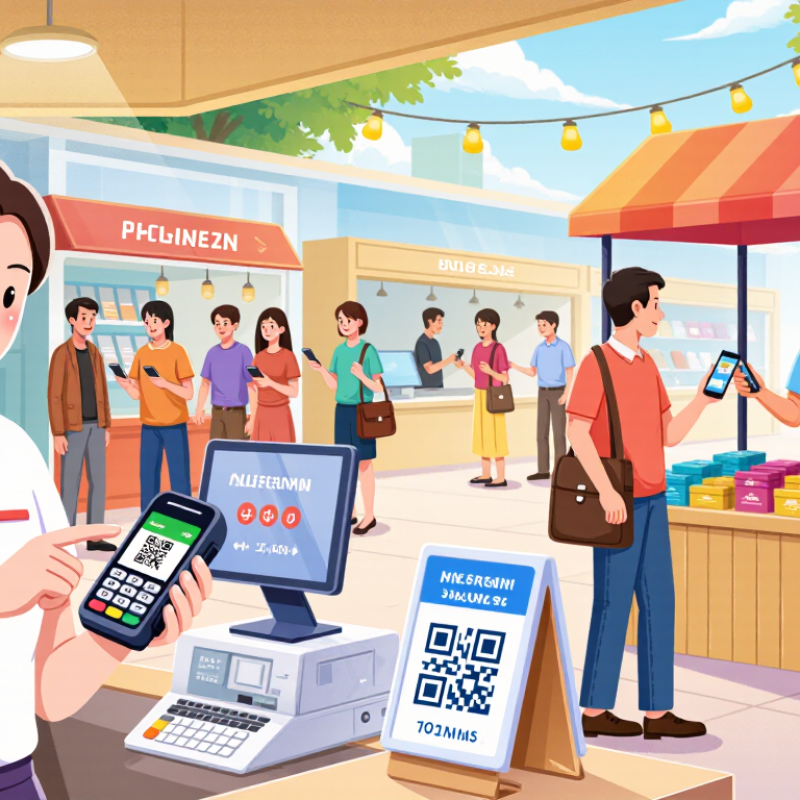
A mobile POS connects several payment steps through one handheld device. A cashier can display a QR code, accept a tap through NFC, or use a card reader. Each option suits a different moment. A takeaway customer may scan and pay, while someone in a hurry may tap a card or phone. Small details matter, like keeping the QR screen bright and the reader charged.
Behind each payment, the POS sends transaction data to a payment processor linked to the merchant account. That account helps route funds and record settlements, though timing and fees vary by provider. Staff should check that receipts show the correct amount and that refunds appear in daily reports. A simple test transaction can reveal setup problems before a busy shift. It takes a few minutes.
Connectivity is another practical concern. If a shop has weak Wi-Fi, staff may need a reliable mobile connection or a clearly explained backup process. Not every payment method works offline. Security also depends on current software, careful access controls, and avoiding unnecessary storage of payment details. A system can look smooth at the counter and still create messy records later. I would compare settlement reports with sales totals regularly; it is easy to overlook small mismatches.
How to Compare POS Systems by Fees, Hardware, Integrations, and Support
When comparing China’s top 10 mobile POS systems, look beyond the advertised transaction rate. Ask for the full fee schedule: monthly charges, settlement costs, refunds, and any fees for extra terminals. Worldpay’s 2024 Global Payments Report estimated that digital wallets accounted for about 82% of China’s in-store transaction value in 2023. A system should therefore handle the payment methods your customers actually use, not just the ones shown in a sales demo. Small print matters. Check whether quoted fees change with transaction volume or settlement timing, and compare the same assumptions across providers.
Hardware and service can matter just as much as price. Test a handheld terminal during a busy period: Can staff scan items, take payment, and print a receipt without switching devices? Check battery life, Wi-Fi and mobile-network performance, and what happens during a temporary outage. The People’s Bank of China reported 185.2 billion mobile-payment transactions in 2023, underscoring how central mobile payments are to daily commerce. Your shortlist should also confirm integrations with inventory, accounting, and online sales tools. Test it live. Ask support teams about response times, Chinese-language assistance, and escalation when a terminal fails at closing time. A polished feature list is reassuring, but it does not prove the setup will fit your shop.
China’s Top 10 Mobile POS Systems: Features and Best-Fit Businesses
A practical China-focused shortlist depends less on a fixed ranking than on daily workflow. Payment methods, network conditions, inventory needs, and staff training all shape the right fit. A feature-rich screen can slow a busy counter. That trade-off is easy to overlook.
Ten useful system types serve different businesses:
cloud POS for small shops;
handheld restaurant POS for table service;
QR-order systems for compact cafés;
inventory-focused POS for retailers;
offline-capable terminals for markets;
multi-store dashboards for chains;
appointment POS for salons;
payment-integrated systems for faster checkout;
multilingual tools for tourist-facing shops;
and simple mobile readers for pop-ups.
Check whether each system supports your devices and reporting needs before comparing features.
Tips
Test the system during a real shift. Walk between the counter and the back room, then check how quickly stock updates. Ask staff to process a refund and find a past sale. Weak Wi-Fi can expose problems a polished demo misses. Also compare ongoing fees and support response times; these details are easy to miss, and they may matter more than a long feature list.
Compliance and Costs: PBOC Rules, PCI DSS, and Total Cost of Ownership
For mobile POS buyers in China, compliance is a purchasing cost, not a checkbox. The PBOC’s Regulations on the Supervision and Administration of Non-bank Payment Institutions took effect on May 1, 2024. Confirm that the payment provider holds the required licence and that its acquiring arrangement fits current rules. PCI DSS applies when cardholder data is stored, processed, or transmitted; ask for the provider’s current compliance evidence and map where data travels. PCI DSS 4.0.1 also makes clear that security work needs ongoing attention, not a one-time setup. Small fees add up.
Build total cost of ownership around the full store day: terminal purchase or rental, software, mobile data, transaction charges, support, staff training, security reviews, and replacement batteries. Verizon’s 2024 Data Breach Investigations Report found a human element in 68% of breaches across its dataset. That is not a POS-only figure, but it supports budgeting for practical staff training, such as checking receipts and locking unattended terminals. A cheap device may cost more when support is slow. The spreadsheet can still miss real-world friction.
Tips: Request a written, itemised three-year quote. Check PCI scope with your acquirer, test offline procedures, and ask what happens when a terminal is lost or needs replacement. Compare fees using your actual average ticket size, not a sales estimate.